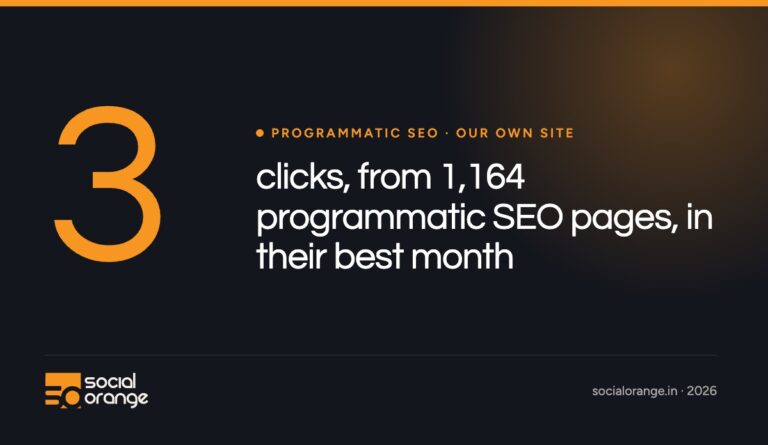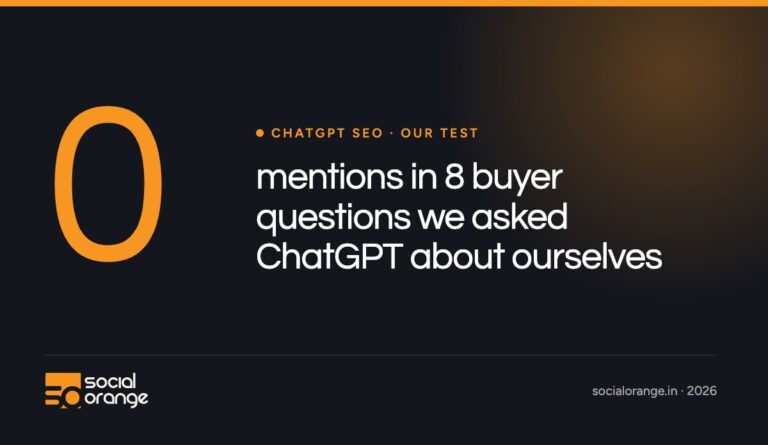


In June this year, Google was showing about 14 of the 291 pages we had just published on our own website. I run a digital marketing agency, so that was not a comfortable number to look at.
Table of Contents
ToggleIf your website is not showing on Google, the reason is usually something you can check yourself in ten minutes without paying anybody. So here are the six checks I run, in the order I run them.
I am going to use my own agency’s website as the example, because in the last year we have managed to make nearly every one of these mistakes ourselves.
1. First check whether Google knows your site exists
Go to Google and type site:yourwebsite.com with your own domain. If no results come up, Google has not put your site in its index, and nothing else in this article matters until that is fixed.
For a site that was launched in the last few weeks this can be normal, so give it some time and add it to Google Search Console, which is free. Then paste your home page into the URL Inspection box at the top and press Request Indexing.
If the site is older than that and still does not appear, the usual cause is a small setting that somebody forgot. The developer turns on “Discourage search engines” in WordPress under Settings, then Reading, while the site is being built, and nobody turns it off after launch. It is a common mistake, and a site can sit like this for months. Check that box, and check your yourwebsite.com/robots.txt file for a line that says Disallow: /.
2. Then check whether your other pages are indexed
Your home page might be fine while the pages that make money are missing.
In Search Console, open Pages and read the reasons listed under “Why pages aren’t indexed”. The two you want to look for are “Crawled – currently not indexed” and “Discovered – currently not indexed”. In simple words, Google has seen those pages and decided they are not worth keeping for now.
When we looked into why only 14 of our 291 location pages were showing up, we found something embarrassing. Our home page linked to none of them. Google decides what matters partly by following links, so if your own site does not point to a page, you are telling Google that you do not think it matters either.
Please link to your important pages from your home page and your main menu. And if a page is thin, either improve it or remove it, because publishing more of them will not help. I wrote about what happened when we kept building more.
3. Check whether you are competing with yourself
This one surprises people, because the site looks healthy. You have lots of pages, they are all indexed, and none of them ranks.
We had around 56 live pages all trying to rank for “digital marketing company in Bangalore” and the variations of it. There were service pages, old blogs, location pages, all saying nearly the same thing. Google could not tell which was the real one, so it mostly ignored them and showed our home page, somewhere on page three.
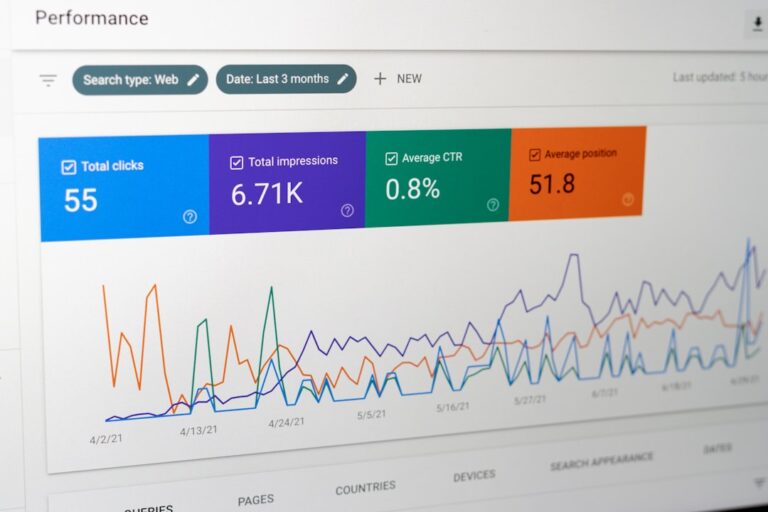
To check this on your site, go to Search Console, open Performance, click one of your important search terms, and then click the Pages tab. If you see two or more of your own pages sharing that search term, they are splitting the votes.
Pick the strongest one and redirect the others to it with a 301 redirect. When we did this, we also had to repoint hundreds of internal links. Our Bangalore rankings have been improving since then, though it was not the only thing we changed, so I will not claim it did all the work.
4. Check whether you are actually invisible, or just not getting clicks
Do not judge this by searching on your own phone. Google remembers what you visit, so you will see a different result from your customer. Search Console gives you the real average position for each search term, and it is the number to trust.
Sometimes you will find that you are showing up and nobody is clicking. We were ranking on page one for “social media company in Bangalore”, in positions 3 to 7. Over 90 days that got us 943 impressions and exactly 1 click. The reason was so simple. Our page title on Google talked about SEO and Meta Ads and never mentioned social media, so the person searching had no reason to pick us.
If your position is decent and your clicks are close to zero, rewrite the title and description so that they use the words your customer just typed.
5. Check whether the map is taking your customers
If you sell to customers in a city, search for what you do and see what comes at the top. For almost every Bangalore search we track, Google puts three businesses on a map above the first website.
That map runs mostly on your Google Business Profile, and it needs reviews. When we checked in October, the businesses in that map box for our category had between 121 and 500 reviews. We had 22, at 4.0 stars. So you can have a good website and still sit below three competitors who never touched theirs.
Fill in your profile completely, use your real business name without stuffing keywords into it, because that breaks Google’s rules and can get you suspended, and ask every happy customer for a review. Two or three a week is plenty. Please do not buy reviews.
6. Check how many other websites vouch for you
If all five checks above are clean and you are still stuck on page two or three, this is probably the reason, and it is the slowest one to fix.
Google treats a link from another website as a vote. For the search terms we care about, the agencies on page one have links from 1,000 to 2,000 different websites. We have about 400. That single gap is the main reason we are not there yet, and rewriting our pages one more time will not change it.
You can see your own number free in Search Console under Links, then compare it with the top three results for your main search term, using a tool like Ahrefs or Semrush. Then work on earning real ones. Listings in the directories your industry trusts, suppliers and partners who can link to you, and something worth quoting, like your own data. A small business in a quiet category will need far fewer than an agency in Bangalore, so do not get scared by my numbers.
The order matters
Most people jump straight to number 6, or they hire somebody to “do SEO” without checking number 1. Please do them in order, because each one depends on the one before it. There is no point chasing backlinks for a page Google has not indexed.
If you get stuck, you can ask us. We are an SEO company in Bangalore, and for one logistics brand our SEO work took organic traffic up 118% in six months. That took months of steady work, and I would be lying if I told you it happens in a week.
Our audit is ₹40,000, and it is credited back in full if you sign a retainer within 30 days. But honestly, if you are a small business, run these six checks yourself first. You will probably find the problem before you need to call anybody.
And if you run them and still cannot work out what is wrong, send me your website on WhatsApp. If I can see the problem quickly, I will tell you.
Leo Prabhu
Founder, SocialOrange